
Animals and Pets Server Hosting
Feed them, care for them, build them somewhere to live. Animals and Pets is a slow, creative pack rather than a survival grind.
Configure your server now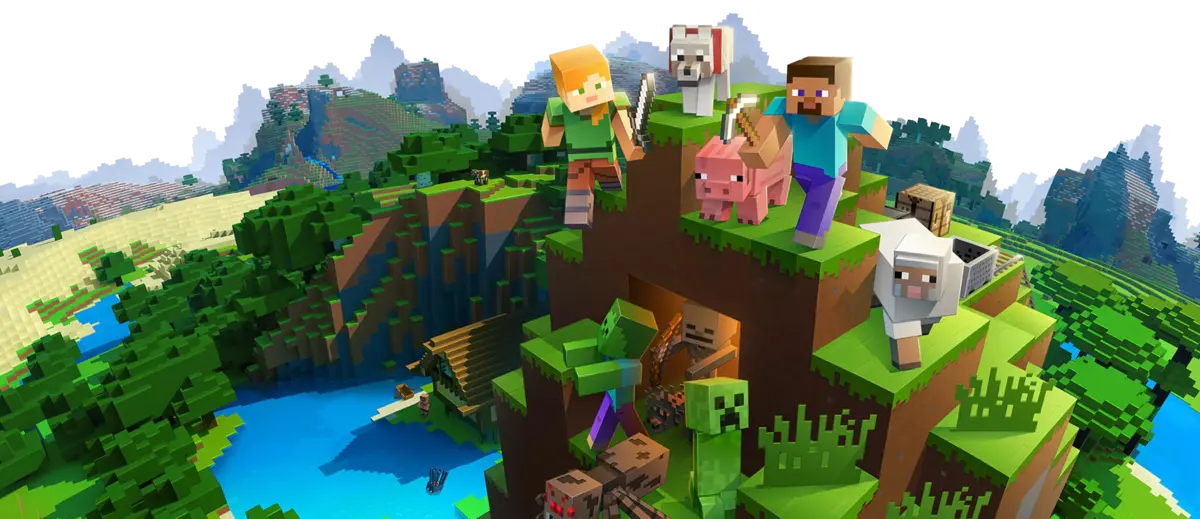
Feed them, care for them, build them somewhere to live. Animals and Pets is a slow, creative pack rather than a survival grind.
Configure your server now
Animals and Pets is puppybella45's Forge pack built around ZAWA — Zoo and Wild Animals — which fills the world with real animal species that need feeding and attention rather than just existing as mobs. On top of that it adds Decocraft for furniture and decoration, plus a handful of other mods including Wizardry and Advanced Combat. It has over 57,000 downloads on CurseForge.
The author is straightforward about the intended play style: it leans creative, though you can play it in survival if you want. That framing matters when you are choosing it for a server — this is a building-and-caretaking pack, not a progression pack.
Groups that enjoy this pack usually end up running something like a zoo or a sanctuary: enclosures to design, species to collect, and animals whose needs you have to keep up with. ZAWA animals do not look after themselves, so an ambitious collection turns into a genuine daily routine for the people on the server.
Decocraft is what makes it work socially. With a large furniture and decoration catalogue, the building side becomes as much of the game as the animals, and different players naturally take on different parts of a shared project.
The pack is built on Minecraft 1.12.2 with Forge, and there is a server-compatible custom variant of it in circulation. If your group specifically wants a multiplayer server, check which of the two builds you are installing before everyone downloads, because they are not interchangeable.
Whichever you choose, all players need the identical pack version. Animal entity data is stored in the world, so a client mismatch on the ZAWA version can cause animals to render or behave incorrectly rather than simply failing to connect.
4 GB is the sensible starting point for a small group. Push to 6 GB if you plan a large collection — this pack's load comes almost entirely from entities, and a well-stocked zoo is hundreds of animals all pathing and ticking in a small area.
That entity load is a CPU concern rather than a memory one. If the server starts to lag, the fix is fewer animals per enclosure and more spacing between enclosures, not a bigger plan.
The most common way a pack like this ruins its own server is enthusiasm. Every animal is a ticking entity, and a group that collects everything will eventually hit tick problems no plan size can fix. Plan enclosures with a target population rather than filling them until they look full.
There is no hostile pressure, no gear treadmill and no way to lose an evening's work to a creeper. That makes Animals and Pets one of the easier packs to run for a family server or a group with very different skill levels, where a survival pack would leave the less experienced players behind in the first week.
Our affordable Spigot Minecraft server hosting prices start from $3. We offer unlimited SSD, unlimited slots and 24/7 availability.
Get a Minecraft Server Hosting for Spigot