
 English
 Deutsch
 Español
 Français
 Русский
 Türkçe

Astroneer Server Hosting
Terraform planets and build a base among the stars with friends while the AI copilot keeps it powered.
What do you need to host an Astroneer server?
An Astroneer dedicated server needs 4–6 GB of RAM, the free ASTRONEER Dedicated Server tool (SteamCMD app 728470), a Windows machine that stays on, one forwarded UDP port and two config files: Engine.ini for the port and AstroServerSettings.ini for your public IP, owner and password. Astroneer server hosting skips all of that. With GameTeam's Astroneer dedicated server hosting you rent the server by RAM, from $0.49/GB a week, there is no per-slot price (Astroneer itself caps a server at 8 players), and the AI copilot sets the owner, edits the files and reads the log when someone can't connect.
Run your Astroneer server by just asking.
Astroneer only reads its .ini files when the server is off, and the owner line is easy to get wrong. Say what you want and the copilot stops the server, makes the edit, starts it again and tells you what changed.
A Base That Waits for You
The world stays up between sessions — pick up exactly where the group left off.
Setup Without the Guesswork
Owner, password, settings — say it and the copilot writes it, no hunting for the right file.
Grow with the World
Terraforming makes saves bigger over time; add RAM when you need it, not before.
Astroneer with friends
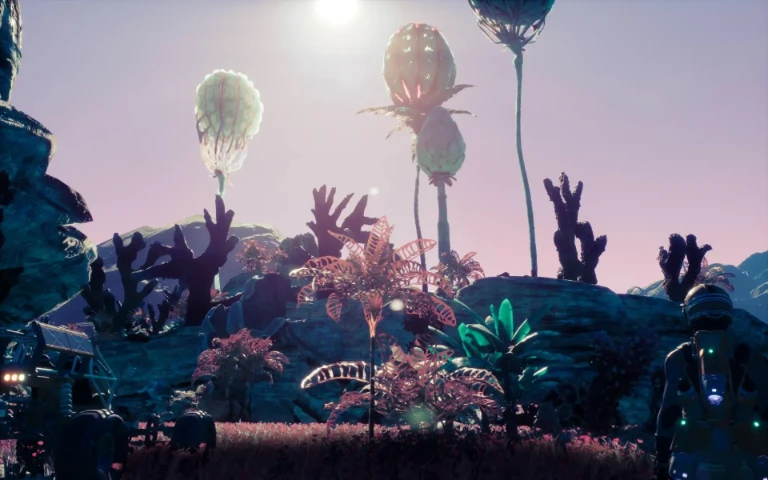
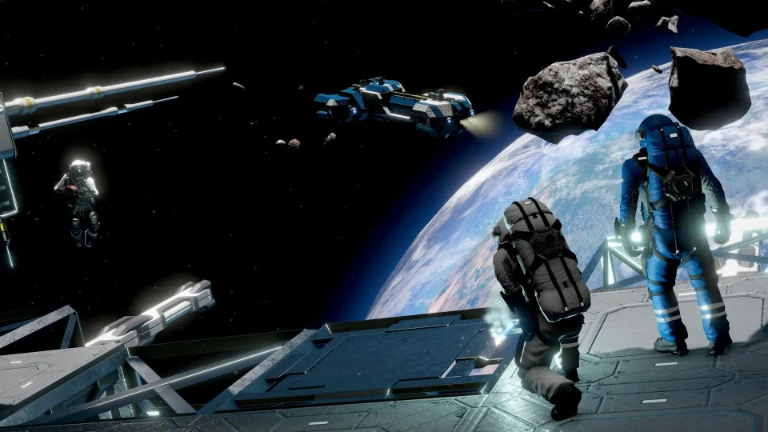
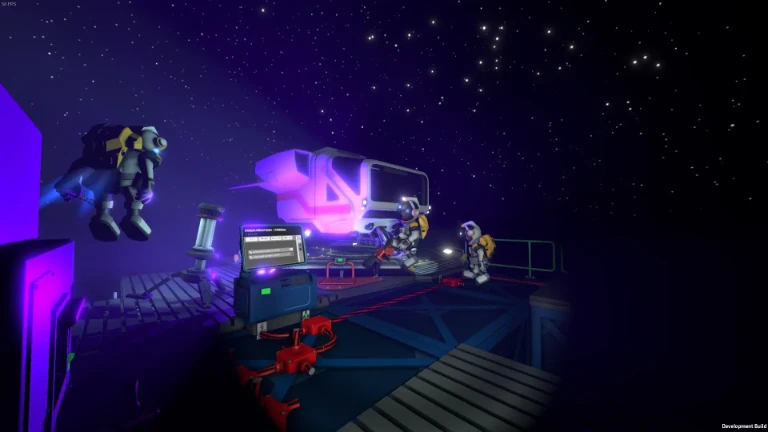
A space exploration game where the terrain itself is your tool: dig, raise, flatten and tunnel your way to resources across a small solar system. Together you can split the work — one player on the base, others out on other planets — and every planet keeps the marks of everything you have done to it.
Astroneer server RAM requirements
4-6 GB. Memory use grows with terrain deformation, so a heavily excavated world needs more than a fresh one.
| Your server | Starting RAM | From (Budget, weekly) |
|---|---|---|
| 1–4 players on a fresh or lightly dug save | 4 GB | $1.96 / week |
| 5–8 players, or a save terraformed across several planets | 6 GB | $2.94 / week |
Astroneer keeps every hole, ramp and tunnel you make, so a save that has been dug up for months holds far more than a new one and the server needs more memory for it. Start at 4 GB for a small group and step up to 6 GB in one click when the world gets big. Player limit: 8 is the supported session size.
How to set up a Astroneer server on GameTeam
Pick RAM and a location
4 GB covers a small crew, 6 GB a full server of 8. Choose the location closest to most of the group: there are 25+ in Europe, the Americas and Asia-Pacific.
Claim the server
Tell the copilot your Steam name and a password, or set OwnerName, OwnerGuid=0 and ServerPassword in AstroServerSettings.ini with the server stopped. Want your old world? Upload the .savegame and ask the copilot to load it.
Send friends the server URL
In Astroneer open Server List, click Add Dedicated Server, paste the address from your panel (IP:port), then Join. Once connected, open the CO-OP tab and pick Join Game to load in.
Good to know before you start
The server needs an owner account set in the configuration before admin commands work, and it is easy to miss on first boot.
The most common problem
Heavily terraformed worlds grow the save file well beyond what a fresh world suggests, and the slowdown appears gradually rather than all at once.
Astroneer server settings explained
The server reads two files in Astro/Saved/Config/WindowsServer/: Engine.ini holds the port under [URL], and AstroServerSettings.ini holds everything else under [/Script/Astro.AstroServerSettings]. Both are created on first start, and edits only stick while the server is off. The lines you are most likely to touch:
| Setting | What it does |
|---|---|
PublicIP | The public address players join with. If it doesn't match, friends get "failed to connect". |
OwnerName / OwnerGuid | Your Steam name, and 0. The first player with that name to join becomes owner and the server fills in their GUID. |
ServerName | The name players see in their Server List. |
ServerPassword | Password needed to join. Leave empty for an open server. |
MaximumPlayerCount | Players allowed at once. 8 by default, which is also the most Astroneer supports. |
DenyUnlistedPlayers | True turns on whitelist mode, so only players already on the server's list can join. |
PlayerActivityTimeout | Kicks idle players after a set time. 0 means never. |
AutoSaveGameInterval | Seconds between autosaves (default 900, every 15 minutes). |
BackupSaveGamesInterval | Seconds between backup copies of the save (default 7200, every 2 hours). |
ActiveSaveFileDescriptiveName | Which save loads: the part of the file name before the $. Default SAVE_1. |
MaxServerFramerate | Caps the server's framerate, 30 by default. Best left alone. |
ConsolePort / ConsolePassword | The remote console that management tools connect to (port 1234 by default). |
[URL] Port (Engine.ini) | The UDP port the server listens on. System Era's guide uses 8777 as its example. |
Astroneer server commands
In game, the owner manages players and saves from the Server Admin menu. Underneath, the server takes these commands on its remote console (ConsolePort), which tools like AstroLauncher use:
| Command | What it does |
|---|---|
DSListPlayers | Lists known players and their GUIDs. |
DSKickPlayerGuid <guid> | Kicks a player. |
DSSetPlayerCategoryForPlayerName <name> <category> | Changes a player's category, for example to whitelist or block them. |
DSSetDenyUnlisted True | Turns whitelist mode on (False turns it off). |
DSSaveGame | Saves the world right now. |
DSListGames | Lists the saves on the server. |
DSLoadGame <name> / DSNewGame | Switches to another save, or starts a new one. |
DSServerStatistics | Shows server stats, including the average server framerate. |
DSServerShutdown | Stops the server. Run DSSaveGame first so nothing since the last autosave is lost. |
Can I add mods to a Astroneer server?
Astroneer has no official dedicated-server mod support.
Astroneer server ports
The port is whatever Engine.ini says, so use the one your panel shows. There is nothing to forward on GameTeam, and the address in the panel is exactly what goes in the Server URL box.
Pay per GB of RAM. Never per slot.
You pay for memory, not seats, and billing can be weekly, so you are never locked into a month the group might not play. Change RAM in one click, or switch the same server to another game. The AI copilot is included on every plan.
- ✓ AI copilot included on every plan
- ✓ Unlimited player slots — we never charge per slot
- ✓ Ryzen 9 7950X · NVMe storage
- ✓ DDoS protection included
- ✓ Switch to another game anytime
- ✓ 25 GB NVMe storage · 160 Gbps DDoS protection
- ✓ AI copilot included on every plan
- ✓ Unlimited player slots — we never charge per slot
- ✓ Ryzen 9 7950X · Unlimited NVMe storage
- ✓ 480 Gbps DDoS protection
- ✓ Switch to another game anytime
- ✓ Dedicated threads
- ✓ Automatic backups
- ✓ Priority support
Hardware & network
Locations
What server owners say
"Honestly didn't expect much from an 'AI manager', but it's how I run my server now. I'll type something like 'why did the server crash last night' and it actually reads the logs and tells me."
Verified review
"I'd been on two other hosts before this. What sold me was the AI manager catching a memory leak in one of my mods and naming the exact one — something I'd been chasing for weeks."
Verified review
"I'm not very technical and setting up servers always stressed me out. Now I just ask the assistant to fix a config, and it either walks me through it or does it for me."
Verified review
Astroneer server hosting FAQ
How much does it cost to rent an Astroneer server?
An Astroneer server rental is priced per GB of RAM, so the Astroneer dedicated server cost follows the size of your world. A 4 GB Astroneer server is $1.96 a week on Budget and 6 GB is $2.94 a week; billed monthly it is $1.99/GB, so 6 GB comes to $11.94 a month. That price covers every slot, and the AI copilot is included on every plan. The first 72 hours are money-back.
How do I fix "Astroneer failed to connect to host" on a dedicated server?
Usually one of five things. The server URL is wrong or uses an old IP. PublicIP in AstroServerSettings.ini doesn't match the address players use. The port isn't open (on a home server: not forwarded or blocked by the firewall). The server is on a different game version after an update. Or the server runs with network encryption turned off, which is common for servers running under Wine on Linux, and then every player has to add [SystemSettings] and net.AllowEncryption=False to their own Engine.ini as well. Joining a home server from the same network can also fail if the router has no NAT loopback. On GameTeam, ask the copilot: it reads the log and checks the address and port for you.
How do I join an Astroneer dedicated server?
Open the Server List tab on the main menu, click Add Dedicated Server, paste the server URL (IP and port, like 203.0.113.25:8777), give it a nickname and add it. Select it under Favorite Servers, click Join and enter the password. You land back on the menu: open CO-OP and choose Join Game. If a new server doesn't show in the list, start a single-player world once and look again.
How do I host my own Astroneer server?
Install ASTRONEER Dedicated Server from the Tools section of your Steam library (or SteamCMD app 728470), run it once to create the config files, set a port in Engine.ini, fill in PublicIP, OwnerName and OwnerGuid=0, then forward that UDP port on your router. The PC has to stay on while anyone plays. Our Astroneer dedicated server guide goes through every step.
Is there a free Astroneer server?
The server software is free, so a server on your own Windows PC costs nothing but power and the hassle of keeping it on. A dedicated server host charges for the machine; on GameTeam that starts at $1.96 a week for 4 GB.
Is Astroneer multiplayer local?
Mostly no. Astroneer co-op is online, for 2–4 players, with one player hosting the world. A dedicated server takes up to 8 players, also online. The exception is Switch, which has local wireless co-op with other Switches.
Can Xbox players join an Astroneer server?
Only some. System Era says Xbox players can only connect to a "preferred" dedicated server rented from one of its official partners, not to a server someone runs on their own. PS4 players can join any Astroneer dedicated server. If your group includes Xbox players, check System Era's partner list on astroneer.space before you rent; Steam and PS4 players can join any server.
How many players can an Astroneer dedicated server hold?
8. That is Astroneer's own limit (MaximumPlayerCount), double the 4 that co-op allows. We never charge per slot, so all 8 come with any plan.
Can I move my Astroneer co-op save to the server?
Yes. Your saves are on your PC in %LocalAppData%\Astro\Saved\SaveGames. Upload the .savegame file to the server's SaveGames folder, then set ActiveSaveFileDescriptiveName to the part of the name before the $ (or tell the copilot which save to load) and restart.
Do the DLCs work on a dedicated server?
Yes, with a catch: on a dedicated server, every player needs the DLC the save uses. For Glitchwalkers that applies to servers on the Aeoluz system, and Megatech saves need Megatech for everyone. Back the world up before anyone deploys DLC content.
What happens when Astroneer updates?
Players on the new version can't join a server on the old one, and big updates can briefly break crossplay on dedicated servers while the console versions wait for certification. Ask the copilot to back up the save and update the server, and everyone is on the same version again.
Run it yourself — or let the copilot.
Same server, any game.



Your solar system, waiting on the next login.
Deploy a server, tell the copilot who owns it, and send the crew your server URL.
Deploy your Astroneer server