
 English
 Deutsch
 Español
 Français
 Русский
 Türkçe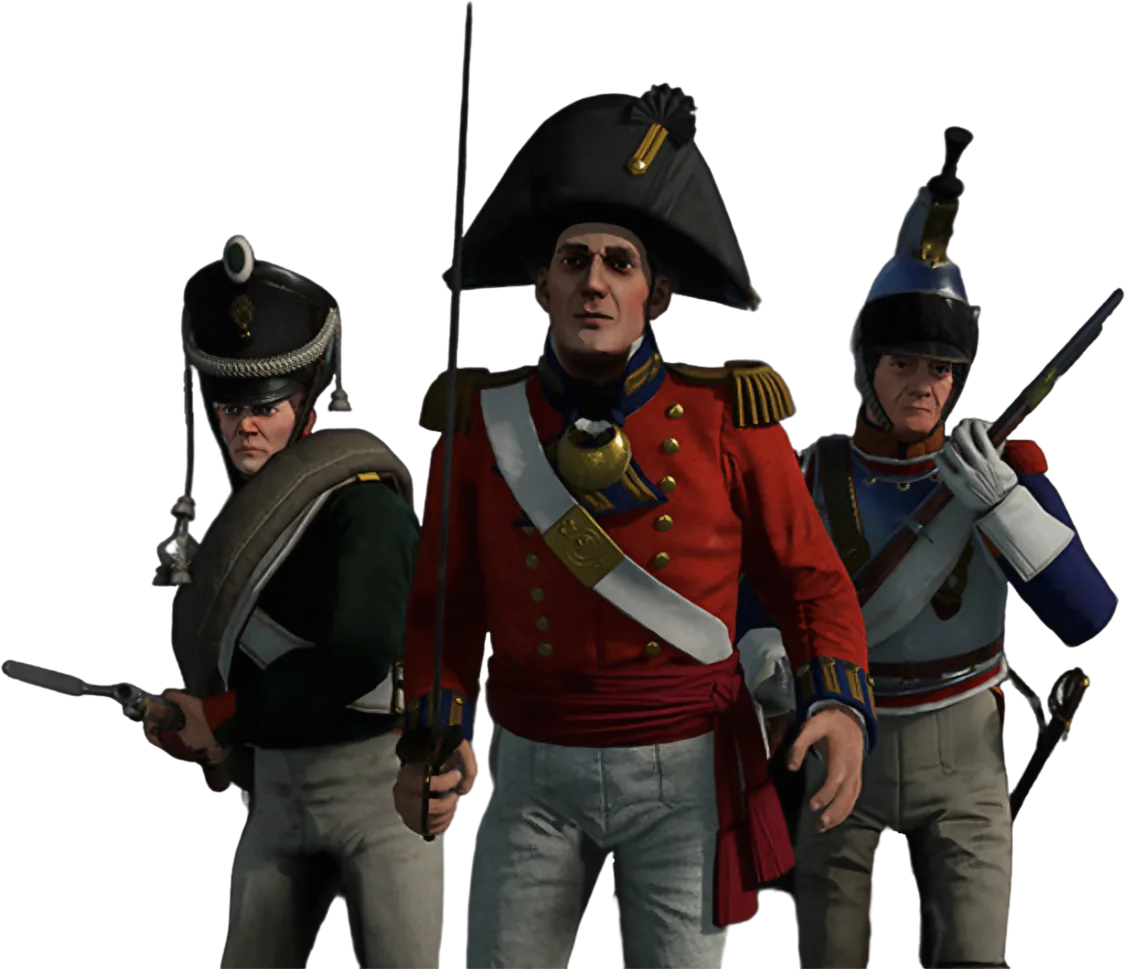
Holdfast: Nations At War Server Hosting
March in the line, hold the volley and take the field with your regiment while the AI copilot keeps the battle running.
What do you need to host a Holdfast server?
Holdfast: Nations At War server hosting comes down to three things: the Holdfast Dedicated Server Tool (Steam app 1424230) running on a machine with 4–6 GB of RAM, UDP port 20100 plus the Steam ports reachable, and a server config file with a map rotation that suits your regiment. Renting skips the install. On GameTeam you pay per GB of RAM, from $0.49/GB a week, never per slot — Holdfast battles run to 150 players and more — and the AI copilot writes the rotation, the event rules and the admin password when you describe them.
Run your Holdfast: Nations At War server by just asking.
A Holdfast server is one long text file: server lines at the top, then a block per map with its mode, player cap, weather and the timed commands your event depends on. Tell the copilot how Saturday should run and it writes the blocks, restarts the server and reads the log to show they loaded.
Ready for Saturday
Round settings and admins configured by the copilot before the regiment forms up.
A Hundred a Side, One Price
Unlimited slots — line battles do not cost per musket.
Weekly, Like Your Events
Bill by the week and run the server around the event calendar.
Holdfast: Nations At War with friends
A Napoleonic-era multiplayer game about line battles: regiments marching in formation, volleys on command, cavalry and artillery deciding the day. Organized events with dozens of players a side are the heart of it, and the discipline is the fun.
Holdfast: Nations At War server RAM requirements
4-6 GB, which is modest for the player counts it handles.
| Your server | Starting RAM | From (Budget, weekly) |
|---|---|---|
| Training nights, melee arenas or a small regiment | 4 GB | $1.96 / week |
| Public line battles around 100 players | 5 GB | $2.45 / week |
| 150+ player events, naval or modded rotations | 6 GB | $2.94 / week |
Holdfast keeps no persistent world, so memory doesn't creep up week after week the way a survival save does; it follows how many players are on and how heavy the map is. These are starting points: change RAM in one click from the panel and the config stays as it is. Player limit: Steam lists battles of over 150 players per server. The cap is set per map with <code>maximum_players</code>.
How to set up a Holdfast: Nations At War server on GameTeam
Pick RAM and a location
4 GB covers a regiment's training server; plan 6 GB for 150-player events. Of the 25+ locations, pick the one nearest the bulk of your regiment.
Write the rotation
Tell the copilot the maps, modes, player caps and event rules, or edit the server config yourself in the file manager. Set server_admin_password so your officers can log in as admin.
Muster the regiment
Players find the server by name in Holdfast's server browser. Set server_password if the event is invite-only and share it with the regiment.
Good to know before you start
Line battle communities usually run scheduled events, so admin roles and round settings matter more here than persistent world configuration.
Holdfast: Nations At War server settings explained
Holdfast reads one text file, serverconfig_default.txt unless the launch line points at another with -serverConfigFilePath. Lines at the top apply to the whole server; each map sits in its own block between !map_rotation start and !map_rotation end, with its own mode, cap and timed commands. The settings regiments change most:
| Setting | What it does |
|---|---|
server_name | The name in the server browser — usually the regiment or event name. |
server_password | Join password for a private or invite-only event. Leave it out for a public server. |
server_admin_password | Password for rc login, which gives admin rights in game. |
server_welcome_message | Message players see when they join. |
server_intro_title / server_intro_body | The intro screen: event rules, Discord link, line-battle etiquette. |
server_region | Region the server lists under in the browser, for example europe or usa. |
network_broadcast_mode | How much network traffic close-range combat uses. Big line-battle servers keep a low-bandwidth mode; the higher-accuracy modes are meant for small melee servers. |
map_rotation_start_randomise | Start the rotation on a random map (true) or the first one (false). |
map_name / game_mode | Inside a block: the map, and its mode — ArmyBattlefield, ArmyAssault, ArmyConquest, ArmySiege, ArmyDeathmatch and others. |
maximum_players / minimum_players | Player cap for that map, and the minimum to start it (-1 for none). |
round_time_minutes | Round length; -1 for no time limit, common for organised line battles. |
faction_attacking / faction_defending | Which nations fight, for example british against french. |
faction_balancing / allow_faction_switching | Auto-balance teams, and whether players may change side. |
friendly_fire | Team damage on or off. |
time_hour / weather_preset | Time of day and weather for the map, for example time_hour 9 and weather_preset calm2. |
Holdfast: Nations At War server commands
Holdfast admin runs through remote console commands. Open the console with F1 and type rc login followed by your server_admin_password. The same rc lines can sit inside a rotation block, so they fire on their own when that map loads. The copilot can run them from the panel too.
| Command | What it does |
|---|---|
rc login <password> | Logs you in as admin with the server_admin_password. |
rc set allowFiring <true|false> | Holds or releases fire for everyone — the classic line-battle opening. |
rc set characterRespawnTime <seconds> | Changes the respawn timer. A huge value effectively turns respawns off for the last push. |
rc broadcast <message> | Sends a message to every player on the server. |
rc delayed <seconds> <command> | Runs a command when the round clock reaches that time: rc delayed 300 set allowFiring true fires when the clock shows 5:00. With no time limit it runs at once. Put it in a rotation block to script the whole event. |
Can I add mods to a Holdfast: Nations At War server?
Yes. Holdfast loads Steam Workshop mods by their Workshop ID from the server config: mods_installed for mods players download too, mods_installed_server_only for server-side ones, then load_mod inside each map rotation block that should use them.
Find the mod on the Steam Workshop and take its ID from the URL. Mods players also need go in as mods_installed <ID> and server-side ones as mods_installed_server_only <ID>; then add load_mod <ID> (or load_mod_client_only / load_mod_server_only) inside every rotation block that should use it. A map without the load_mod line runs without the mod. PS5 and Xbox players can't join a server with mods.
Holdfast: Nations At War server ports
Each port is a line in the config (server_port, steam_query_port, steam_communications_port), and a second server on the same machine needs its own set. Your GameTeam panel lists the address and the three ports your server was given, so you forward nothing; expect them to differ from these defaults.
Pay per GB of RAM. Never per slot.
You pay for memory, not seats, and billing can be weekly, so you are never locked into a month the group might not play. Change RAM in one click, or switch the same server to another game. The AI copilot is included on every plan.
- ✓ AI copilot included on every plan
- ✓ Unlimited player slots — we never charge per slot
- ✓ Ryzen 9 7950X · NVMe storage
- ✓ DDoS protection included
- ✓ Switch to another game anytime
- ✓ 25 GB NVMe storage · 160 Gbps DDoS protection
- ✓ AI copilot included on every plan
- ✓ Unlimited player slots — we never charge per slot
- ✓ Ryzen 9 7950X · Unlimited NVMe storage
- ✓ 480 Gbps DDoS protection
- ✓ Switch to another game anytime
- ✓ Dedicated threads
- ✓ Automatic backups
- ✓ Priority support
Hardware & network
Locations
What server owners say
"Honestly didn't expect much from an 'AI manager', but it's how I run my server now. I'll type something like 'why did the server crash last night' and it actually reads the logs and tells me."
Verified review
"I'd been on two other hosts before this. What sold me was the AI manager catching a memory leak in one of my mods and naming the exact one — something I'd been chasing for weeks."
Verified review
"I'm not very technical and setting up servers always stressed me out. Now I just ask the assistant to fix a config, and it either walks me through it or does it for me."
Verified review
Holdfast: Nations At War server hosting FAQ
How much does Holdfast server hosting cost?
You pay per GB of RAM: $0.49/GB a week on Budget, or $1.99/GB billed monthly. A 4 GB training server is $1.96 a week and a 6 GB event server is $2.94 a week. Every player slot is included, so a 150-player line battle costs the same per GB as a 20-man drill, and the AI copilot comes with every plan.
Can I rent a Holdfast server just for our events?
Yes. Billing can be weekly, so a regiment can rent a Holdfast server for the weeks it has events and stop between campaigns. The first 72 hours are money-back, and the same server can switch to another game when the season ends.
How many players can a Holdfast: Nations At War server hold?
Holdfast is built for big battles: Steam lists over 150 players per server. You set the cap per map with maximum_players in each rotation block, so a melee arena can be small and the main line battle large. GameTeam never charges per slot.
How do I become admin on my Holdfast server?
Set server_admin_password in the server config (or ask the copilot to set it), join the server, press F1 to open the console and type rc login followed by the password. Share it only with the officers who run the event.
Can I run a private Holdfast server for my regiment?
Yes. Add server_password to the config and only players with the password can join. Pair it with a rotation built for drills — a plains map, no time limit, friendly fire off — and you have a training server that is there whenever the regiment is.
Does a Holdfast server keep a save or world?
No. Holdfast has no persistent world like a survival game; rounds start fresh. What matters is the config file and its rotation blocks, plus any mod list. Back those up and the whole server can be rebuilt in minutes.
Can I run naval or WW1 maps?
Yes. Holdfast covers Napoleonic field battles, the age-of-sail naval battles and the WW1 Frontlines maps, and each rotation block can use any map with a mode that map supports — game_mode just has to match.
What should I compare between Holdfast server providers?
Latency to where your regiment lives matters most for line battles, then whether you can edit the full config file with its rotation blocks and timed rc commands, and whether you pay per slot or per GB. GameTeam gives you the whole file, sub-15ms latency from 25+ locations, per-GB pricing and weekly billing.
How do I update my Holdfast server?
Stop the server and start it again from the GameTeam panel, and it updates to the latest Holdfast build. If players can't join after a game patch, that's the first thing to do.
Same server, any game.

Form the line. The server's ready.
Deploy a Holdfast server, describe the event to the copilot, and send the regiment the server name.
Deploy your Holdfast: Nations At War server