
 English
 Deutsch
 Español
 Français
 Русский
 Türkçe
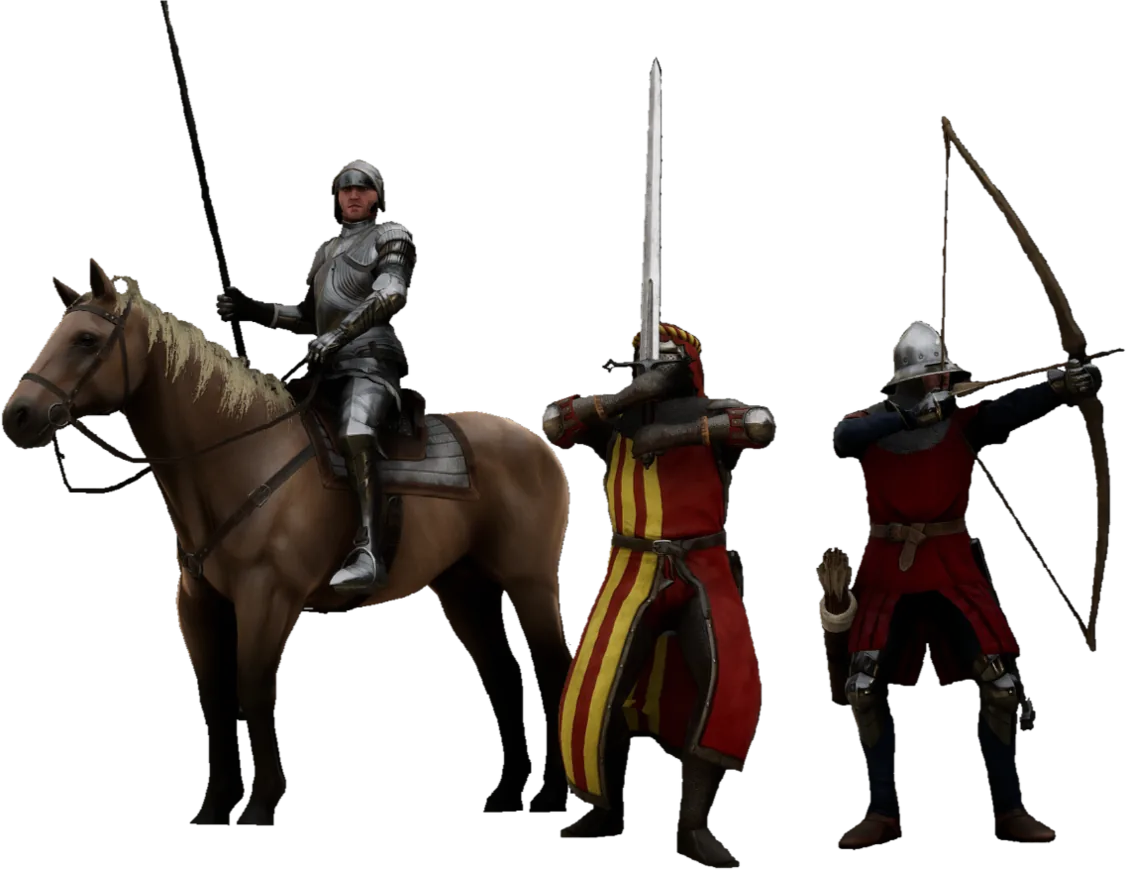
Mordhau Server Hosting
Swing, feint and parry your way through medieval battles with your community while the AI copilot keeps the field open.
What do you need to host a Mordhau server?
Mordhau has no in-game button for a private server, so every community, duel or friends-only match runs on the MORDHAU Dedicated Server tool (Steam app 629800). To host one you need 4–6 GB of RAM, four ports open (7777, 7778, 15000 and 27015) and a correctly written Game.ini. Or rent one that is ready to go. With GameTeam's Mordhau server hosting you pay per GB of RAM, from $0.49/GB a week, never per slot (Mordhau itself is built for up to 64 players), and the AI copilot sets the map rotation, mods, admins and password when you ask in plain English.
Run your Mordhau server by just asking.
Mordhau keeps everything in two .ini files that it overwrites from memory every time the server shuts down, so an edit made at the wrong moment just vanishes. Tell the copilot what you want — it stops the server, writes the file, starts it again and reads the log to show the change held.
Rotation and Mods, Set
Maps and mod.io mods declared by the copilot; the server pulls them on start.
Battle-Size Slots
Unlimited players on a per-GB price — big battles do not cost per sword.
Same Server, Next Game
When the field empties, the server becomes whatever the community plays next.
Mordhau with friends
A medieval melee game with the deepest sword-fighting mechanics around: every strike, feint and parry is a read on your opponent. Large battles, duels and community modes fill its servers, and the skill ceiling keeps people coming back for years.
Mordhau server RAM requirements
4-6 GB.
| Your server | Starting RAM | From (Budget, weekly) |
|---|---|---|
| Duels or a private match for a few friends | 4 GB | $1.96 / week |
| 24–48 player Frontline, Invasion or Horde | 5 GB | $2.45 / week |
| Full 64-player battle, mod maps or a high tick rate | 6 GB | $2.94 / week |
Mordhau is light on memory and heavy on CPU: more players and a higher tick rate cost processor time together, and the wiki warns the load climbs steeply when you raise both. Big mod.io maps push memory to the top of the range. These are starting points; change RAM in one click from the panel and the server keeps its files. Player limit: Up to 64.
How to set up a Mordhau server on GameTeam
Pick RAM and a location
4 GB covers duels and small private matches; 6 GB is a full 64-player battle. Then put the server in whichever of the 25+ locations sits nearest most of your players.
Set the rotation, mods and admins
Tell the copilot the maps, the password and your PlayFab ID, or edit Game.ini yourself in the file manager with the server stopped. Paste mod.io Resource IDs for custom maps and it adds them.
Join and fight
Find the server by name in Mordhau's server browser, or open the console with ` and type open address:port from the panel (add ?ServerPassword=yourpassword for a private one).
Good to know before you start
Map rotation and mods are declared in Game.ini, and mod.io content is pulled at start.
Mordhau server settings explained
Mordhau reads two files in Mordhau/Saved/Config/LinuxServer/ (WindowsServer on the Windows build): Game.ini for the name, slots, password, admins, rotation and mods, and Engine.ini for the tick rate. Change them only while the server is stopped — a running server writes its own copy over yours on shutdown. The keys owners change most:
| Setting | What it does |
|---|---|
ServerName | The name players see in the server browser. |
MaxSlots / MaxPlayers | Player slots. Set both to the same number; the wiki advises against going above 64. |
ServerPassword | Join password. Setting it is all it takes to make a private server. |
Admins | One line per admin, using the player's PlayFab ID, not a Steam ID. |
AdminPassword | Alternative to Admins=: log in with AdminLogin <password>. Anyone with it can add more admins, so keep it close. |
MapRotation | One line per map. The prefix sets the mode: FL_ Frontline, INV_ Invasion, HRD_ Horde, SKM_ Skirmish, TDM_ team deathmatch, FFA_ free-for-all. |
Mods | One line per mod.io Resource ID. The server downloads them when it starts. |
SpawnServerActorsOnMapLoad | Loads a mod as a server actor, when the mod page says to. |
PlayerRespawnTime / DamageFactor / TeamDamageFactor | Respawn delay in seconds, overall damage and friendly-fire damage. Can be set for all modes or per mode. |
AutoKickOnTeamKillAmount | How many team kills before a player is kicked automatically. |
MapGameModeOverrides | Plays a map in another mode, such as the ranked duel maps (DU_Arena, DU_Truce…) as free-for-all. |
bDisableClientMods | Set to True to block client-side mods on your server. |
NetServerMaxTickRate (Engine.ini) | Server tick rate for online play. Goes under both [/Script/OnlineSubsystemUtils.IpNetDriver] and [IpDrv.TcpNetDriver]. |
AdminActionWebhookURL / ChatFeedWebhookURL | Discord webhooks for admin actions and the chat feed. The URL goes in quotes. |
Mordhau server commands
Get admin by adding your PlayFab ID to Admins= (find it in game with PlayerList, or CopyID 1 to copy your own), then use these in the console, opened with the ` key. Mordhau also speaks the Source RCON protocol, so most RCON tools work. The copilot can run them for you from the panel.
| Command | What it does |
|---|---|
PlayerList | Lists everyone on the server with their session ID and PlayFab ID. |
Kick <PlayfabID/SessionID> <reason> | Removes a player. They can rejoin. |
Ban <PlayfabID/SessionID> <duration> <reason> | Bans a player. Unban <PlayfabID> lifts it; BanList shows active bans. |
Mute <PlayfabID/SessionID> <duration> | Chat-mutes a player. Unmute reverses it. |
AddAdmin / RemoveAdmin <PlayfabID> | Adds or removes an admin live. Any admin can do this, so choose admins carefully. |
ChangeLevel <map> | Switches map now. A wrong map name can disconnect players. |
AddBots <n> / AddBotsTeam <team> <n> | Fills empty slots with bots; team 0 is Red, 1 is Blue. |
ToggleDamage / ToggleStamina | Turns damage or stamina off for everyone — handy for training nights. |
m.ShowServerStats 1 | Shows the server's min/avg/max tick rate. Watch the average and maximum. |
/asay <message> · /announce <seconds> <message> | A chat message to all players under the ADMIN tag, or a pop-up for everyone lasting 3–30 seconds. |
Can I add mods to a Mordhau server?
Yes, through mod.io for maps and mods, enabled in the server configuration.
Find the mod on mod.io, copy the Resource ID from the sidebar and add it as a Mods= line in Game.ini. For a custom map, also add the map name the author lists to MapRotation. Some server-side mods ask to be loaded with SpawnServerActorsOnMapLoad as well. Players download the mods when they join.
Mordhau server ports
If the query port is blocked, the server runs but never shows up in the browser. Every instance needs its own four ports, which is why the GameTeam panel lists the exact address and ports assigned to yours; they may differ from these defaults, and there is nothing to forward.
Pay per GB of RAM. Never per slot.
You pay for memory, not seats, and billing can be weekly, so you are never locked into a month the group might not play. Change RAM in one click, or switch the same server to another game. The AI copilot is included on every plan.
- ✓ AI copilot included on every plan
- ✓ Unlimited player slots — we never charge per slot
- ✓ Ryzen 9 7950X · NVMe storage
- ✓ DDoS protection included
- ✓ Switch to another game anytime
- ✓ 25 GB NVMe storage · 160 Gbps DDoS protection
- ✓ AI copilot included on every plan
- ✓ Unlimited player slots — we never charge per slot
- ✓ Ryzen 9 7950X · Unlimited NVMe storage
- ✓ 480 Gbps DDoS protection
- ✓ Switch to another game anytime
- ✓ Dedicated threads
- ✓ Automatic backups
- ✓ Priority support
Hardware & network
Locations
What server owners say
"Honestly didn't expect much from an 'AI manager', but it's how I run my server now. I'll type something like 'why did the server crash last night' and it actually reads the logs and tells me."
Verified review
"I'd been on two other hosts before this. What sold me was the AI manager catching a memory leak in one of my mods and naming the exact one — something I'd been chasing for weeks."
Verified review
"I'm not very technical and setting up servers always stressed me out. Now I just ask the assistant to fix a config, and it either walks me through it or does it for me."
Verified review
Mordhau server hosting FAQ
How do I host my own Mordhau server?
Either run the free MORDHAU Dedicated Server tool yourself — on a PC or Linux box that stays on, with four ports forwarded — or rent one. The game has no in-game hosting, so a hosted server is the only way to get a private match without running anything at home. On GameTeam you pick RAM and a location, and the server is ready to configure in minutes.
How much does it cost to rent a Mordhau server?
Mordhau server rental on GameTeam is priced per GB of RAM: $0.49/GB a week on Budget, or $1.99/GB billed monthly. A 4 GB duel server is $1.96 a week and a 6 GB battle server is $2.94 a week. Every plan includes unlimited slots and the AI copilot, with a 72-hour money-back window.
Is renting a server worth it, or should I host Mordhau at home?
Hosting at home costs nothing extra, but the server and your game client fight over the same default ports, you forward four of them, and you update the server by hand after every patch. Renting puts it on Ryzen 9 7950X hardware with DDoS protection and nothing to forward. If you want to try it yourself first, the Mordhau dedicated server guide walks through the Steam, SteamCMD and Linux installs.
How many players can a Mordhau server hold?
Mordhau is built for battles of up to 64 players, and the wiki warns that going higher causes engine performance problems. That cap comes from the game; GameTeam never charges per slot, so a 64-player server costs the same per GB as a duel server. Set MaxSlots and MaxPlayers to the same number.
Can I make a private Mordhau server for just my friends?
Yes. Set ServerPassword in Game.ini (or tell the copilot the password) and only people who have it can join. A short rotation of Horde maps such as HRD_Taiga makes a friends-only co-op night, and AddBots fills a small duel or skirmish server.
How do I become admin on my Mordhau server?
Add your PlayFab ID to Game.ini as an Admins= line and restart. Get the ID in game: open the console with ` and run PlayerList, or CopyID 1 to copy your own. Then kick, ban, mute and change maps from the console.
Does Mordhau server hosting work on Windows and Linux?
The dedicated server tool ships both a Windows build (MordhauServer.exe) and a Linux build (MordhauServer.sh), and both read the same Game.ini keys — only the config folder name changes. On a hosted server you don't touch either: you edit the files in the panel or ask the copilot.
Can Epic Games or console players join?
Servers set up through Steam accept both Steam and Epic players, even though there is no server tool on the Epic store. Console players can't host private servers.
What should I look for in Mordhau server providers?
Mordhau is tick-rate bound, so look at the CPU first, then latency to your players, then how easily you can reach Game.ini and Engine.ini. Check whether you pay per slot or per GB, and whether you can pay by the week for a one-off event. On GameTeam it's a Ryzen 9 7950X, sub-15ms latency from 25+ locations, per-GB pricing with weekly billing, and a copilot that edits the files for you.
How do I update my Mordhau server?
Stop the server and start it again from the GameTeam panel, and it updates itself to the latest version. If players see a version mismatch after a Mordhau patch, that's the fix.
Run it yourself — or let the copilot.
Same server, any game.

Your battlefield, your rotation, your rules.
Deploy a Mordhau server, tell the copilot the maps and the password, and send your group the name to search.
Deploy your Mordhau server