
 English
 Deutsch
 Español
 Français
 Русский
 Türkçe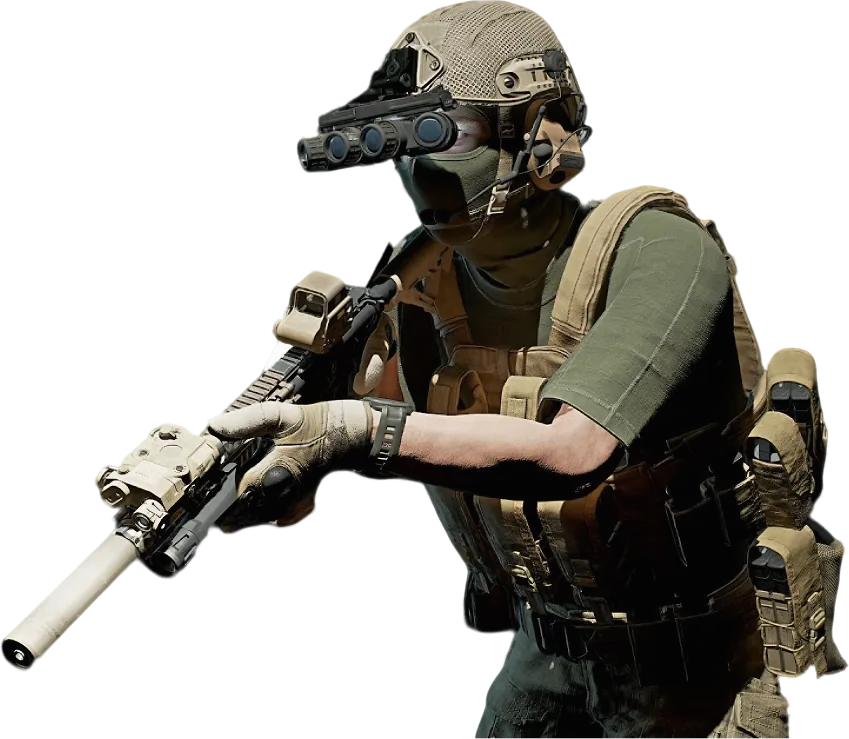
Ground Branch Server Hosting
Plan tactical ops with your team while the AI copilot holds the server.
What do you need for a Ground Branch dedicated server?
A Ground Branch dedicated server needs BlackFoot's free server build (SteamCMD app 476400, officially Windows only), 4–6 GB of RAM, UDP ports 7777 and 27015 open, and its config files in GroundBranch/ServerConfig set up: Server.ini, Admin.ini and a MapList.ini with your missions. Or rent a Ground Branch server instead. GameTeam's Ground Branch server hosting charges per GB of RAM, from $0.49/GB a week, never per slot (the game caps a server at 16), and the AI copilot builds the rotation, adds admins and loads mods when you ask.
Run your Ground Branch server by just asking.
A Ground Branch server is a folder of small ini files: one for the server, one for admins, one for the rotation, one for votes. Brief the copilot like you would brief the team. It edits the right file, restarts the server and confirms the change before anyone kits up.
Ops-Ready
Mission and rules configured by the copilot from what you tell it, confirmed before the team logs in.
Weekly, Like Your Schedule
Bill by the week — active weeks cost, quiet weeks do not.
One Server, Any Game
Switch the server to another game between campaigns instead of buying a second.
Ground Branch with friends
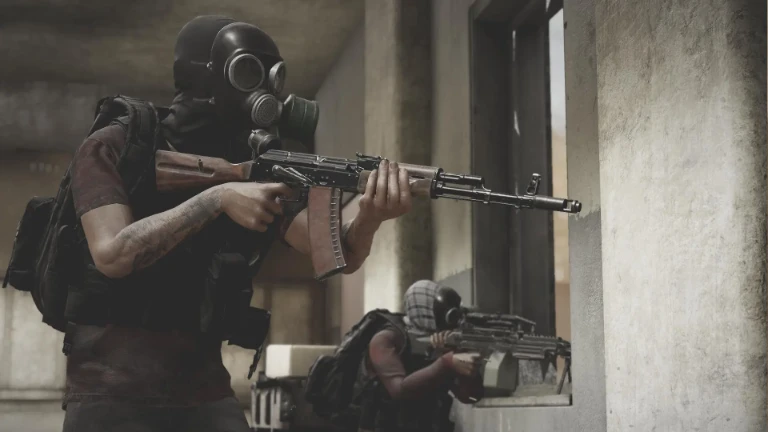
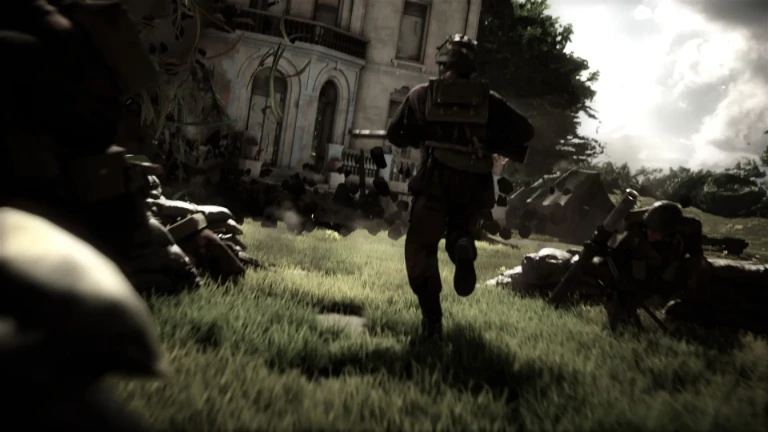
A tactical shooter built around realism: no HUD hand-holding, real weapon handling and a loadout you assemble piece by piece. Its co-op and PvP modes reward a small team that clears a building the way a real one would.
Ground Branch server RAM requirements
4-6 GB.
| Your server | Starting RAM | From (Budget, weekly) |
|---|---|---|
| Co-op squad of up to 8 against AI | 4 GB | $1.96 / week |
| 16-player PvP | 6 GB | $2.94 / week |
| Co-op with a high AI count or a mod list | 6 GB | $2.94 / week |
Enemy AI is the hidden cost on a Ground Branch server: a busy Terrorist Hunt with a high AI count works the server harder than the same squad on a PvP map. These are starting points. Change RAM in one click from the panel and your ServerConfig files stay as they are. Player limit: up to 16 on a dedicated server, the game's own hard limit. BlackFoot recommends 8 for co-op and 16 for PvP.
How to set up a Ground Branch server on GameTeam
Pick RAM and a location
4 GB is a good start for a co-op squad. Choose the location closest to your team. We have 25+ across Europe, the Americas and Asia-Pacific.
Brief the server
Tell the copilot the missions, time of day, player cap and password, or edit Server.ini and MapList.ini in GroundBranch/ServerConfig from the file manager. Building the rotation from the in-game Admin Panel works too; it saves to MapList.ini.
Get the team in
Find the server by its ServerName in the server browser and join with the password if you set one. Claim admin once, then the Admin Panel is on F8.
Good to know before you start
Mission and AI settings are configured server-side rather than voted in game, so the rotation has to be built before opening the server.
Ground Branch server settings explained
Every Ground Branch server setting lives in a plain text file in GroundBranch/ServerConfig. The server writes the files the first time it starts, and a server that starts without a MapList.ini generates a basic one. Lines are key=value; a semicolon starts a comment.
| Setting | What it does |
|---|---|
ServerName | In Server.ini. The name in the server browser, 64 characters at most. |
ServerMOTD | In Server.ini. Message of the day, up to 512 characters. <br>, <b> and <h1>–<h3> format it. |
ServerPassword | In Server.ini. Password players need to join. Leave it empty for a public server. |
SpectatorOnlyPassword | In Server.ini. Lets only people with this password use spectate. |
MaxPlayers | In Server.ini, unless it is set on the launch line. 16 is the hard limit. |
Admins=(…) | In Admin.ini. One line per admin: Admins=(Name="Hawk",UniqueId="<SteamID64>",ContactInfo="",Group="Admin"). |
AdminGroups | In Admin.ini. Which commands each tier gets: SuperAdmin has all, Admin has say, kick, ban, kill, changemap and nextmap, Moderator has kick, ban, changemap and nextmap. |
MapList= | In MapList.ini. One entry per map, each with its mission and options such as time of day. Easiest to build from the Admin Panel. |
MaxTeamKills / BanTime | In TeamKill.ini. Team kills before a player is removed, and for how many minutes. |
VotingCommands | In Vote.ini. What players can vote on, such as changemap, nextmap or kick. VoteDuration, VoteSucceededTimeout, VoteFailedTimeout and MinPlayers tune it. |
mods.txt | The Mod IDs the dedicated server loads, the setup BlackFoot introduced in V1035.2. |
Ground Branch server commands
Admin commands run from the Admin Panel (F8, the Esc menu, or admin in the console), and each admin group in Admin.ini gets its own set. Options on the launch line, like ?MaxPlayers, apply no matter what votes or admins change. The copilot can run and set these for you too.
| Command | What it does |
|---|---|
admin setup <password> | First admin only: the one-time password from AdminSetupPassword.txt makes you SuperAdmin. |
admin | Opens the Admin Panel from the console. F8 does the same. |
changemap / nextmap | Switch the map, or skip to the next one in the rotation. |
kick / ban | Remove a player, or ban them. |
say | Send a message to everyone on the server. |
ServerRestart | Restarts the server immediately. Admins only by default. |
?MaxPlayers=8 | Launch option: player cap, 8 to 16. |
?MaxAI=30 | Launch option: the most AI any mode may spawn (0 to 50). 0 breaks co-op modes. |
Port= / QueryPort= | Launch settings for running more than one server on one IP. |
Can I add mods to a Ground Branch server?
Yes. Ground Branch reached V1.0 in July 2026 with official mod support (weapon mods, game modes and patches) through the Steam Workshop. A dedicated server loads mods by their Mod IDs, listed in mods.txt.
Mods come from the Ground Branch Steam Workshop, and since September 2024 modders have had BlackFoot's official Mod Kit to build them. Since patch V1035.2 a dedicated server takes them as Mod IDs in mods.txt, and BlackFoot says an in-game menu for it is on the way. Lua-based game modes from before V1035.2 have to be rebuilt in Blueprint; BlackFoot expects most item mods to keep working.
Ground Branch server ports
Running it at home? Both UDP ports have to be open in Windows Firewall and forwarded on the router. On GameTeam there is nothing to forward: the panel shows your server's exact address and port, which may differ from these defaults.
Pay per GB of RAM. Never per slot.
You pay for memory, not seats, and billing can be weekly, so you are never locked into a month the group might not play. Change RAM in one click, or switch the same server to another game. The AI copilot is included on every plan.
- ✓ AI copilot included on every plan
- ✓ Unlimited player slots — we never charge per slot
- ✓ Ryzen 9 7950X · NVMe storage
- ✓ DDoS protection included
- ✓ Switch to another game anytime
- ✓ 25 GB NVMe storage · 160 Gbps DDoS protection
- ✓ AI copilot included on every plan
- ✓ Unlimited player slots — we never charge per slot
- ✓ Ryzen 9 7950X · Unlimited NVMe storage
- ✓ 480 Gbps DDoS protection
- ✓ Switch to another game anytime
- ✓ Dedicated threads
- ✓ Automatic backups
- ✓ Priority support
Hardware & network
Locations
What server owners say
"Honestly didn't expect much from an 'AI manager', but it's how I run my server now. I'll type something like 'why did the server crash last night' and it actually reads the logs and tells me."
Verified review
"I'd been on two other hosts before this. What sold me was the AI manager catching a memory leak in one of my mods and naming the exact one — something I'd been chasing for weeks."
Verified review
"I'm not very technical and setting up servers always stressed me out. Now I just ask the assistant to fix a config, and it either walks me through it or does it for me."
Verified review
Ground Branch server hosting FAQ
How do I host a Ground Branch server?
For a quick session, click Host Game in the main menu, set the player limit and invite friends through the Steam overlay. That listen server closes when you quit. For a server that stays up, install the free dedicated server with SteamCMD (app 476400), open UDP 7777 and 27015, and set it up in GroundBranch/ServerConfig. Or rent a Ground Branch server: on GameTeam it is ready in minutes and the copilot does the configuration.
Can I rent a Ground Branch server by the week?
Yes. GameTeam bills Ground Branch server hosting by the week if you like, so you pay for the weeks the team is actually running ops, not for a month up front. You pay per GB of RAM, every player slot is included, and the first 72 hours are money-back. Between campaigns the same server can switch to another game.
How many players can a Ground Branch server have?
Up to 16, the game's own limit for dedicated servers, in co-op or PvP. BlackFoot recommends 8 for co-op and has said co-op will eventually be capped at 8, because a 16-player team doesn't fit its maps. GameTeam never charges per slot.
How much RAM does a Ground Branch server need?
Plan for 4–6 GB. An 8-player co-op squad runs well on 4 GB. Full 16-player PvP, a high AI count or a list of mods is where 6 GB earns its keep. RAM changes in one click.
How do I become admin on my Ground Branch server?
If no admins are set, the server writes a one-time password to AdminSetupPassword.txt on first start. Join, open the console and type admin setup followed by that password to become SuperAdmin. After that, add other admins from the Admin Panel or in Admin.ini by SteamID64. The copilot can add them for you.
How do I add mods to a Ground Branch dedicated server?
List each mod's ID in mods.txt and restart. Mods come from the Ground Branch Steam Workshop. Since V1035.2, Lua-based game modes need converting to Blueprint, so check a mod was updated for the current version before you add it.
Does Ground Branch have a Linux dedicated server?
Not officially yet. BlackFoot supports the dedicated server on Windows and says Linux servers are planned. On GameTeam you don't have to think about it: the server is set up and running when you deploy.
How much does Ground Branch server hosting cost?
You pay per GB of RAM: $0.49/GB a week on Budget, or $1.99/GB billed monthly. A 4 GB co-op server is $1.96 a week ($7.96 billed monthly); 6 GB for full PvP is $2.94 a week. Slots are unlimited and the AI copilot is included.
Is Ground Branch still in early access?
No. Ground Branch left Steam Early Access with V1.0 on July 16, 2026, and BlackFoot is still patching it. On GameTeam, stopping and starting the server from the panel updates it to the latest version, so it stays on the same build as the team.
Same server, any game.


Your team's Ground Branch server, ready to step off.
Deploy it, brief the copilot on the missions, and send the team the server name.
Deploy your Ground Branch server